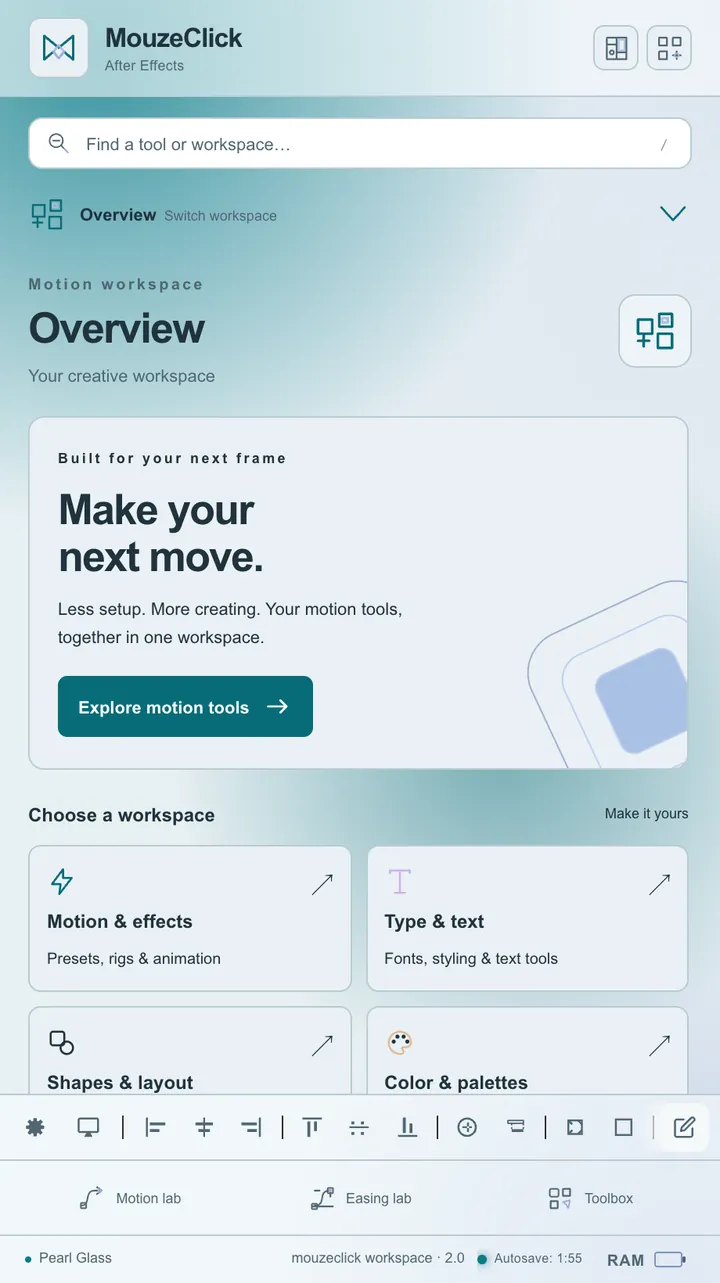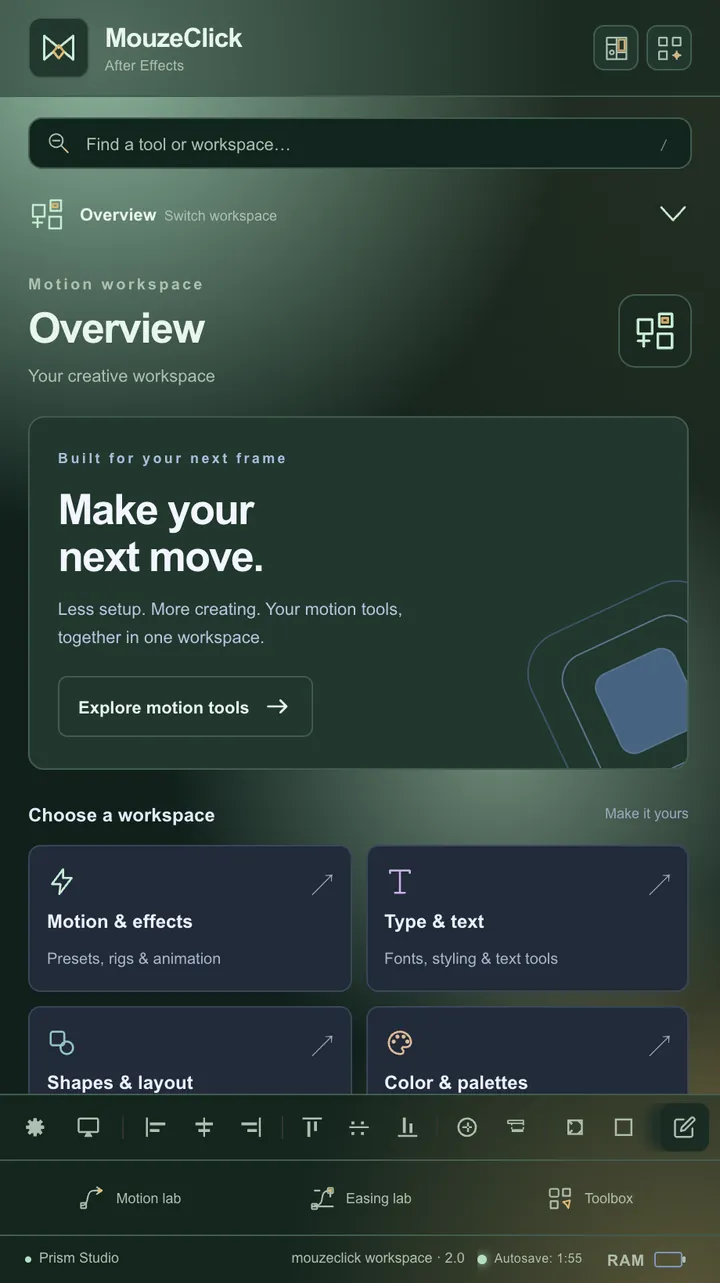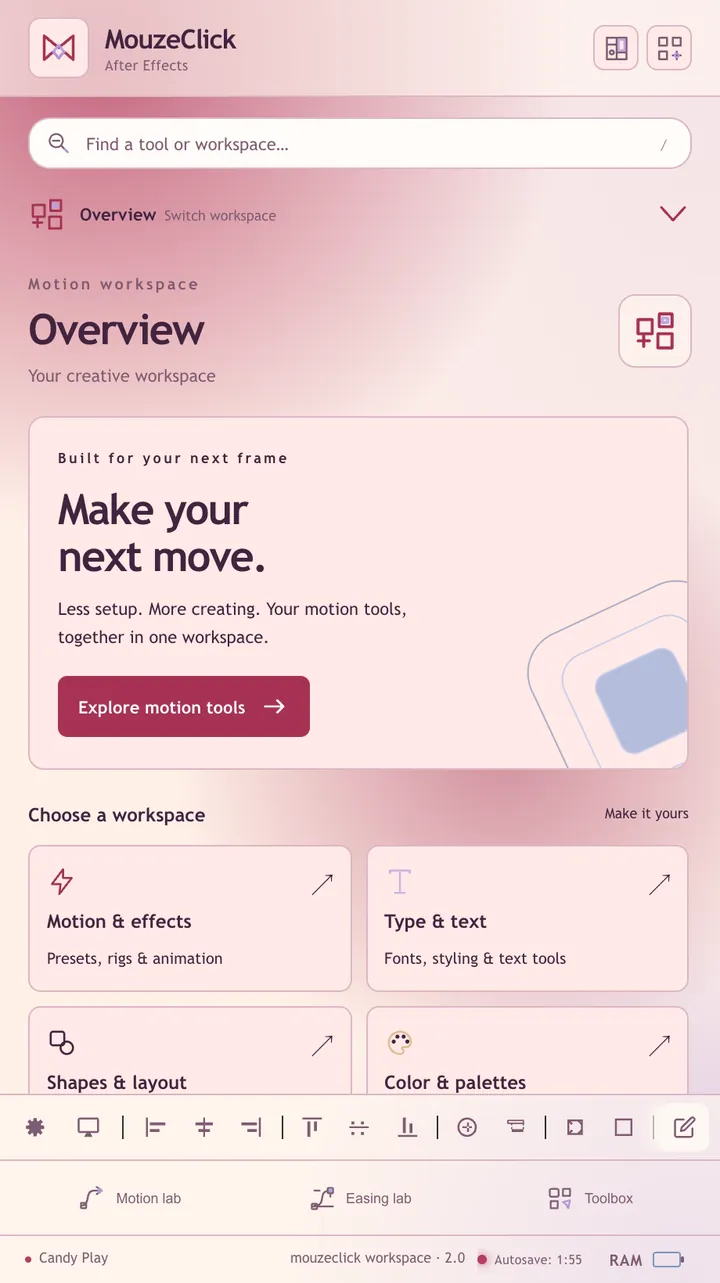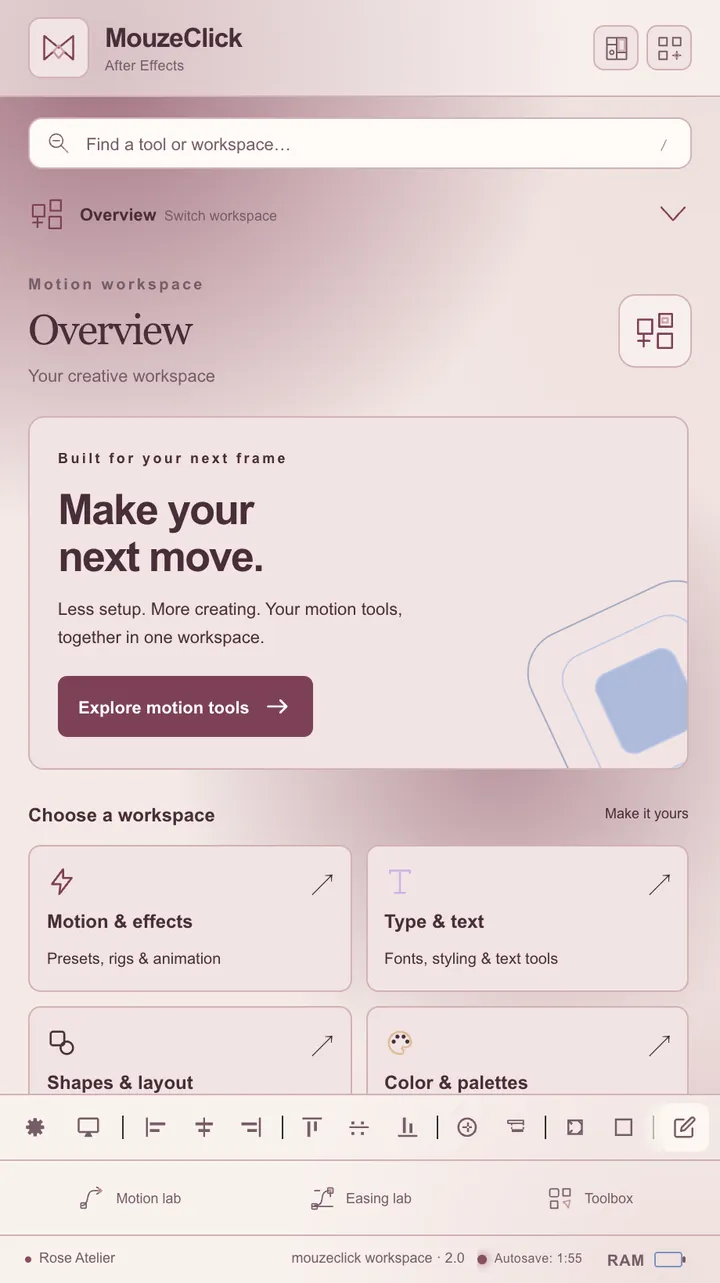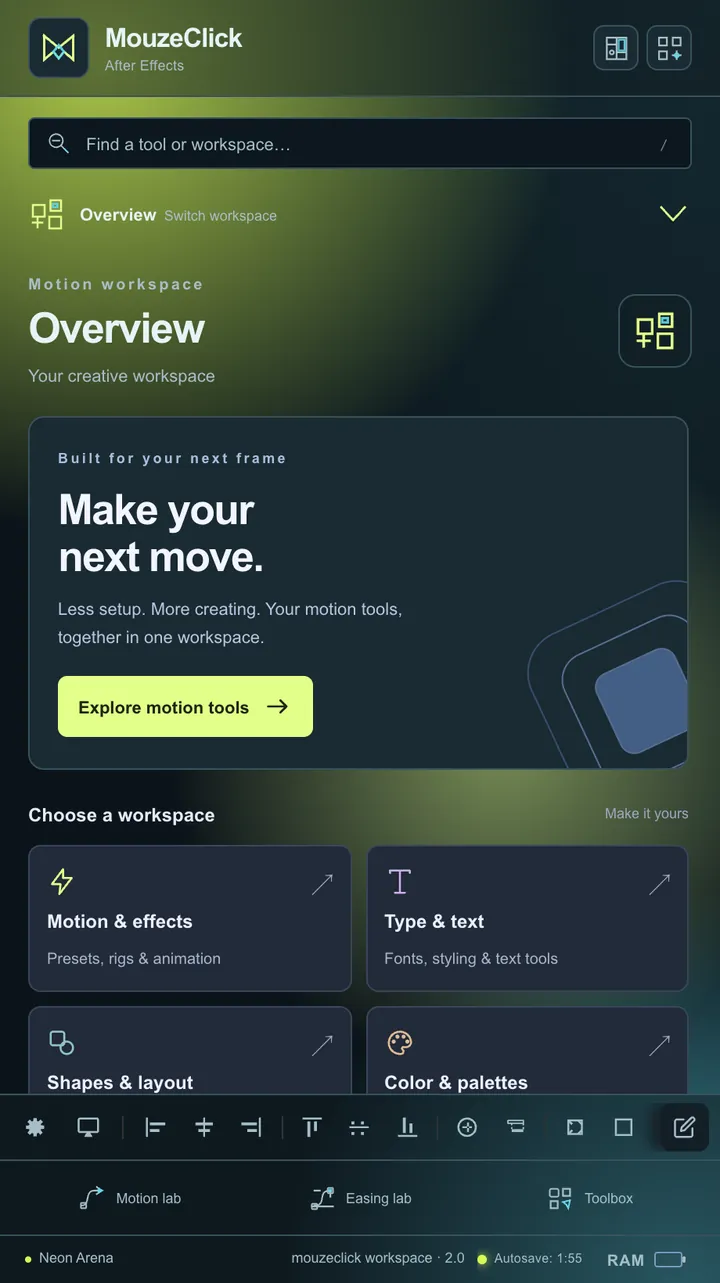

Overview
Your creative workspace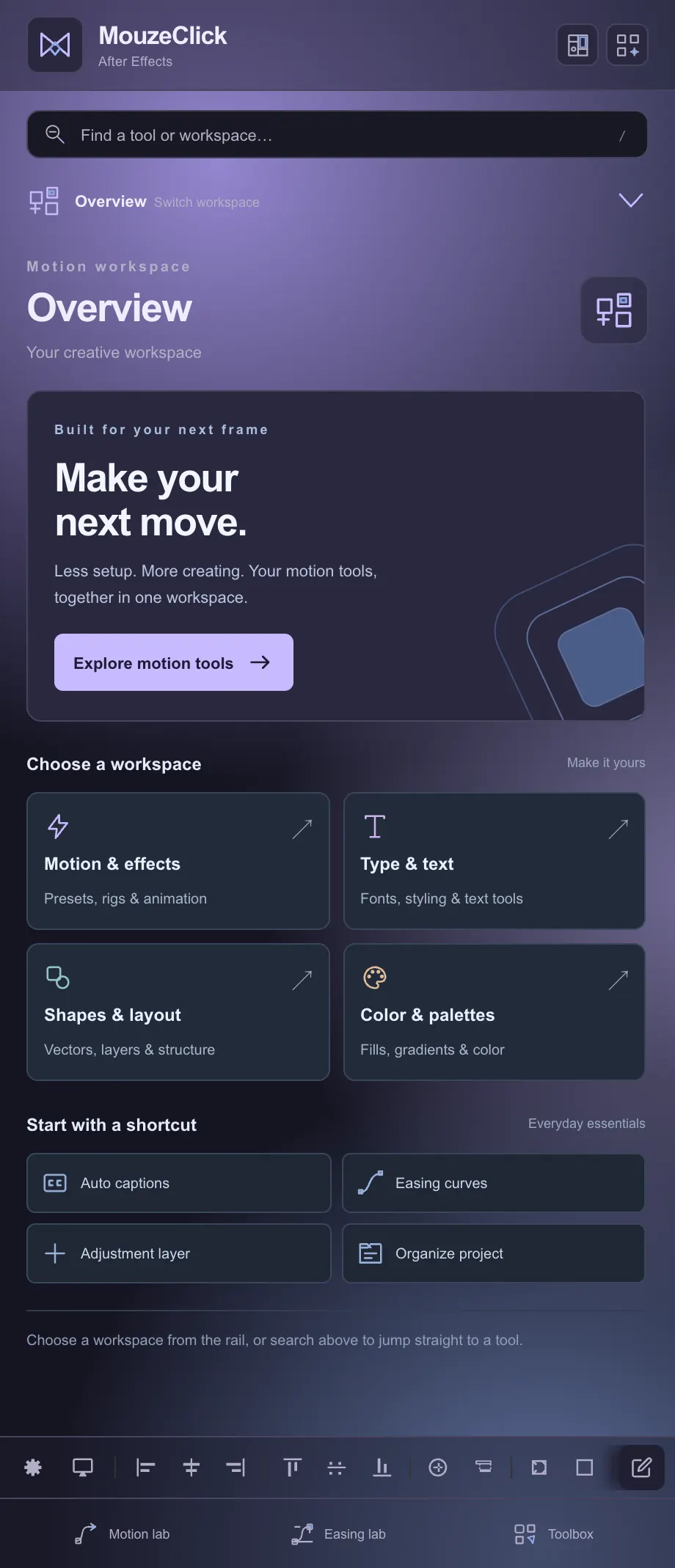


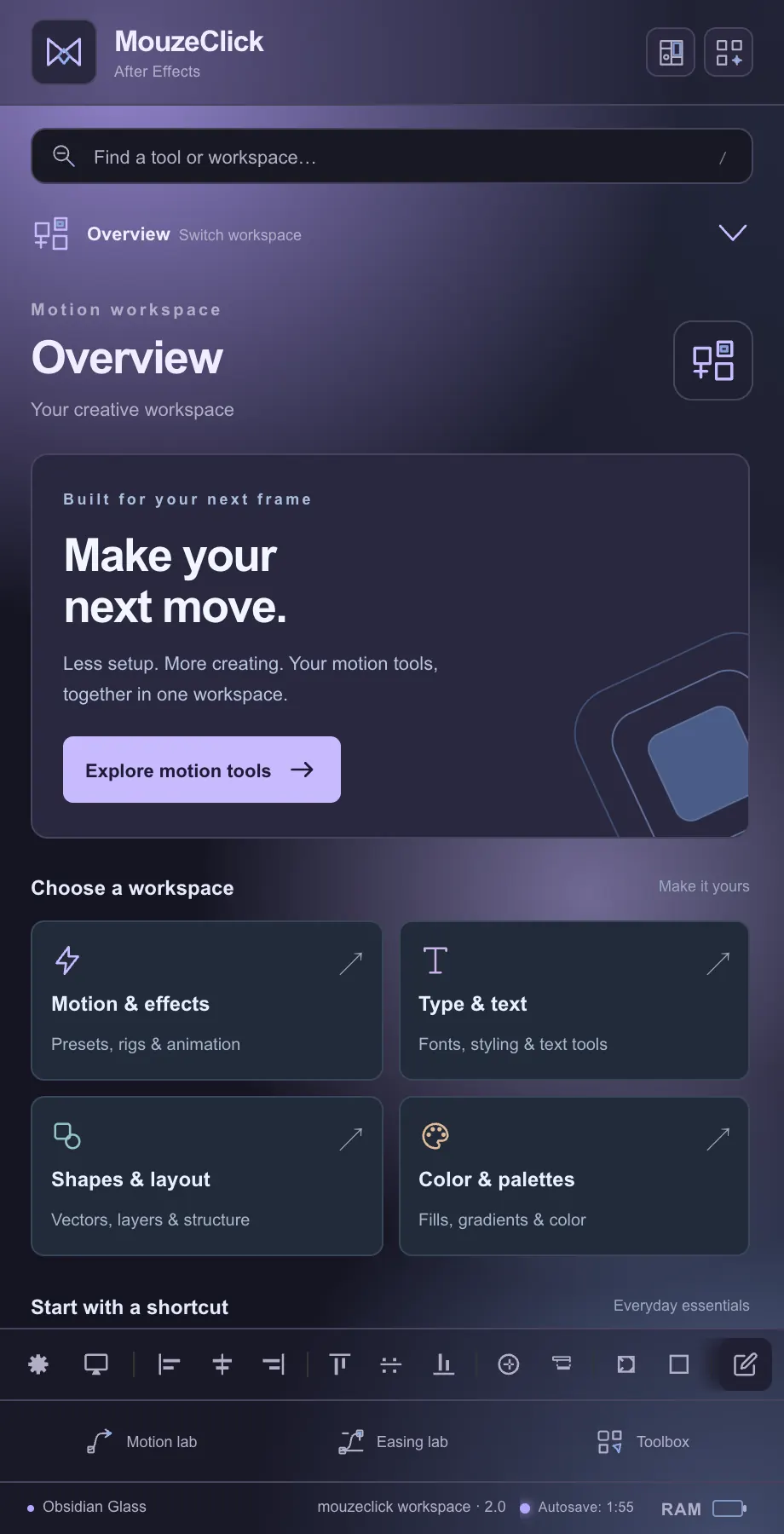
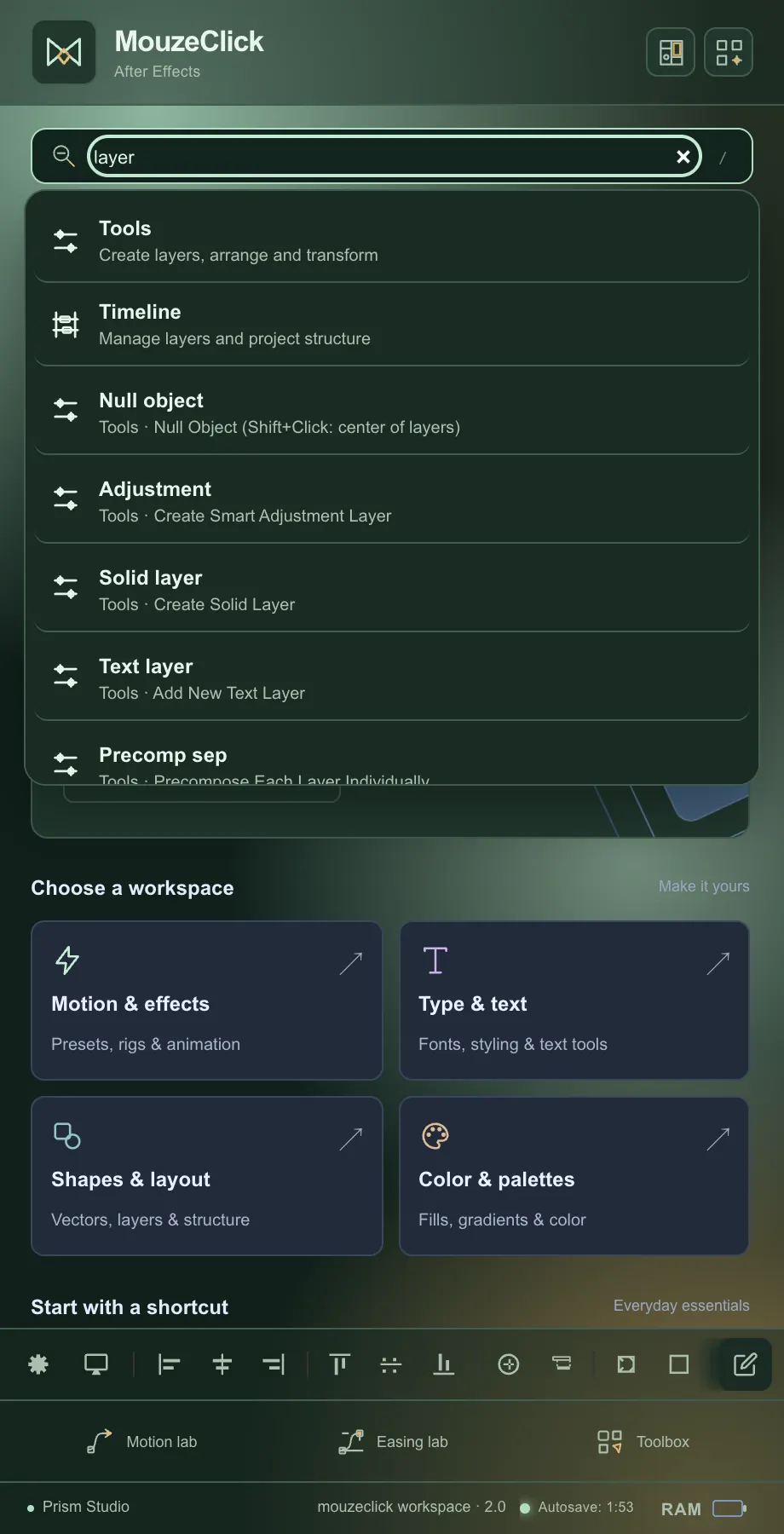
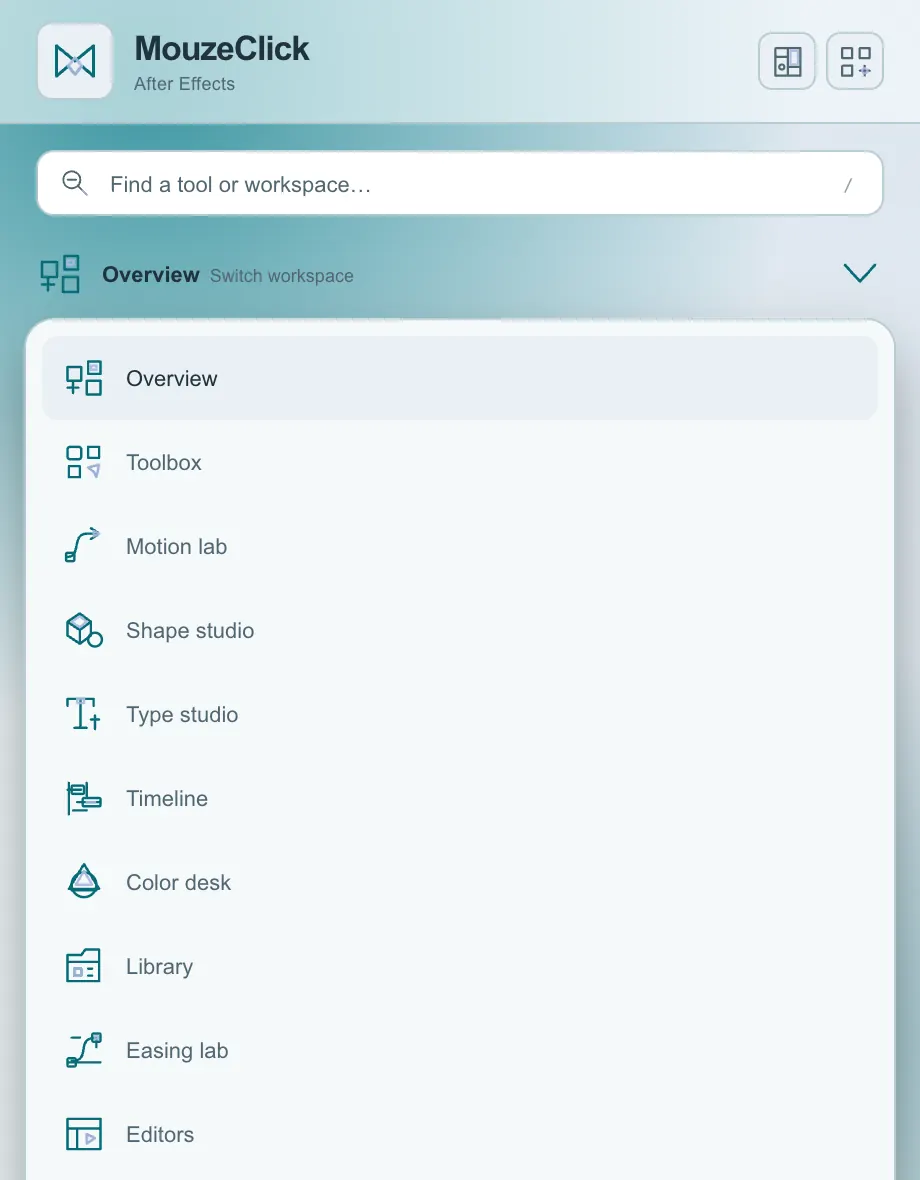
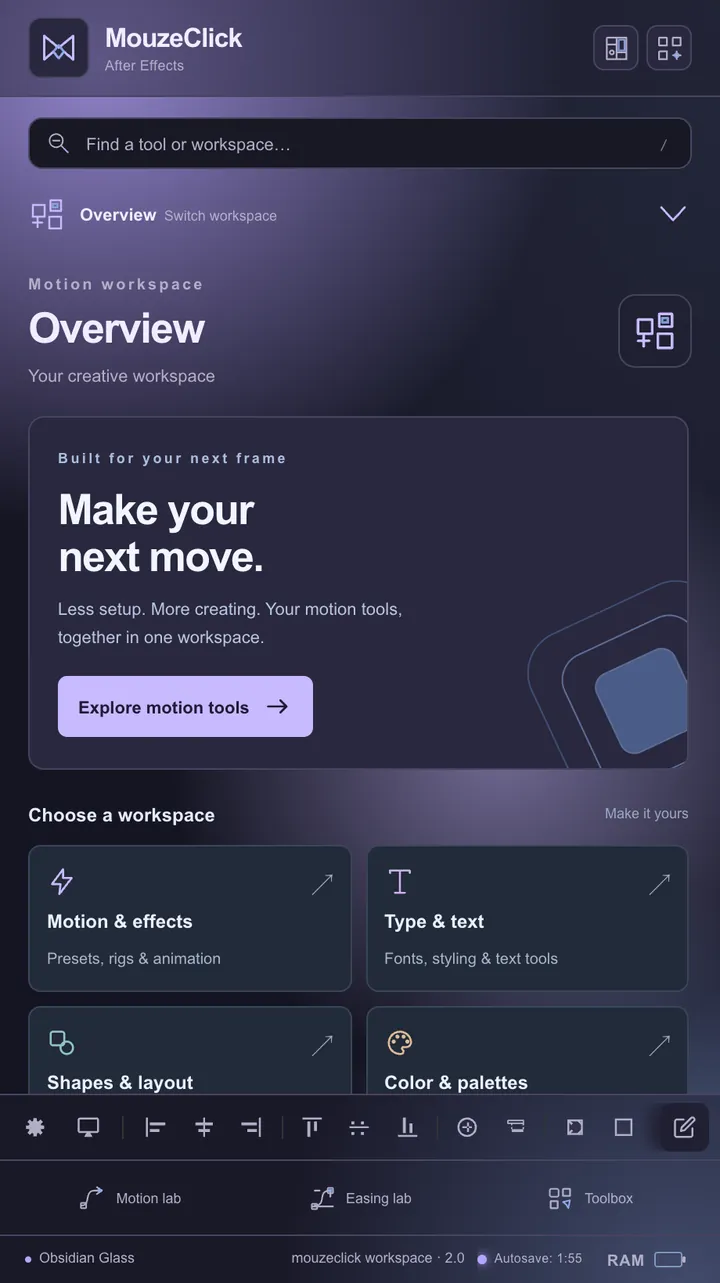
Where the After Effects panel opens: a welcome card, four ways into a workspace and four everyday shortcuts.
- Choose a workspace. Motion & effects, Type & text, Shapes & layout and Color & palettes, each with a one-line summary.
- Start with a shortcut. Auto captions, Easing curves, Adjustment layer and Organize project, one click each.
- Explore motion tools. The welcome card's button takes you straight to Motion lab.
- Project organizer. Scans the project, then places items into a clean numbered structure. Nothing is deleted, and a switch also moves footage you never use.
- Composition board. Lays selected precomp layers out as a presentation board, with columns, a gutter and comp-name labels. Static 2D layers only, and Restore puts them back.
4workspace cards4shortcuts12totals in the project scan